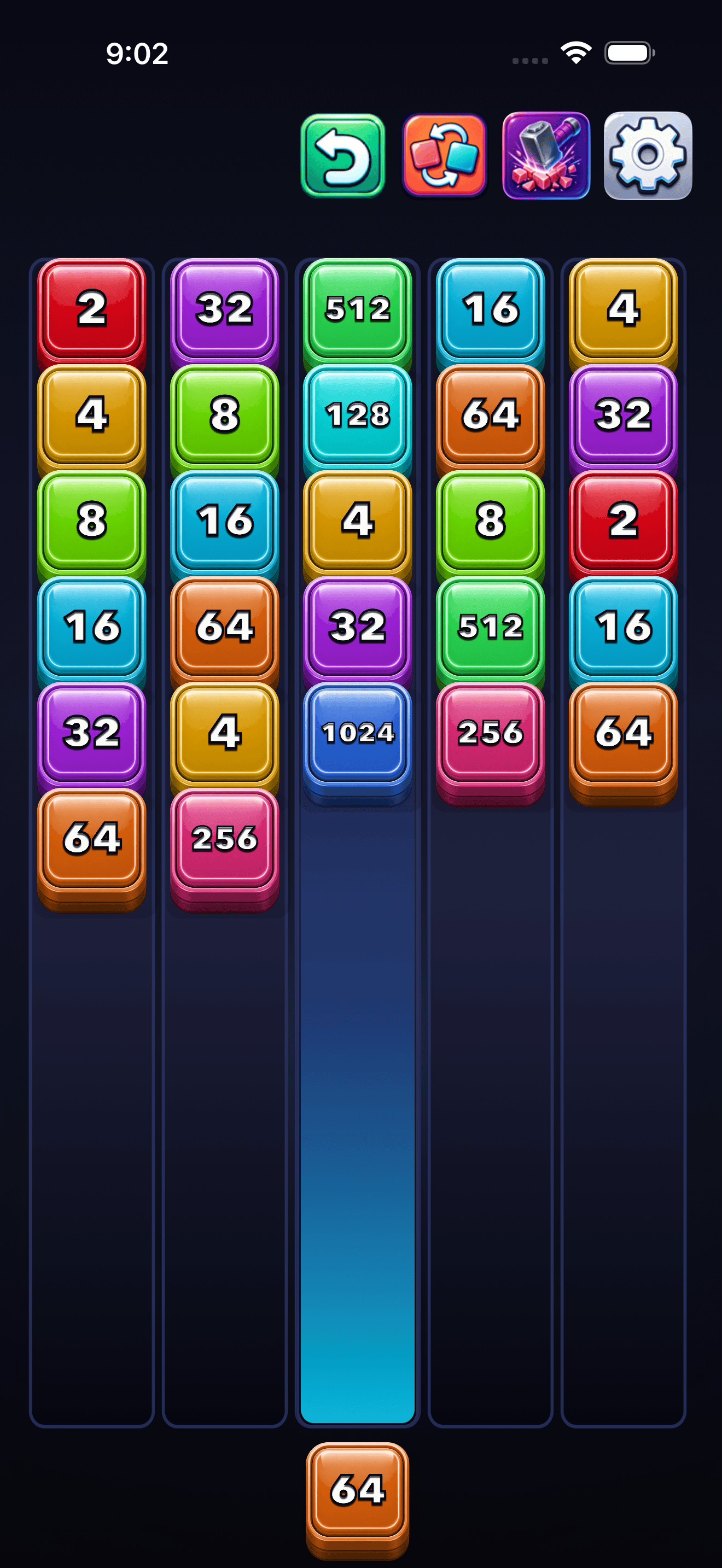
Drag the queued block left or right. It snaps between the five column centers and highlights the current launch path.
2048 Block SupportGameplay help and contact information
Help for launching, merging, and keeping lanes alive.
2048 Block is a one-handed iPhone puzzle about launching blocks into five lanes, creating connected merges, and using earned power-ups at the right moment.
Quick guide
Playing 2048 Block
Tap the queued block, swipe upward, or tap the selected open lane to send the block into place.
Blocks match when the same value touches above, below, left, or right. Diagonal contact does not merge.
After each merge, spaces close and the board checks again. Good placement can turn one launch into several merge steps.
Undo, Swap, and Hit recharge through launches. They are earned by play, not bought with coins or purchases.
Your current board, queued block, selected lane, power-up meters, and undo history are saved locally.
Visual guide
Board, combos, and settings
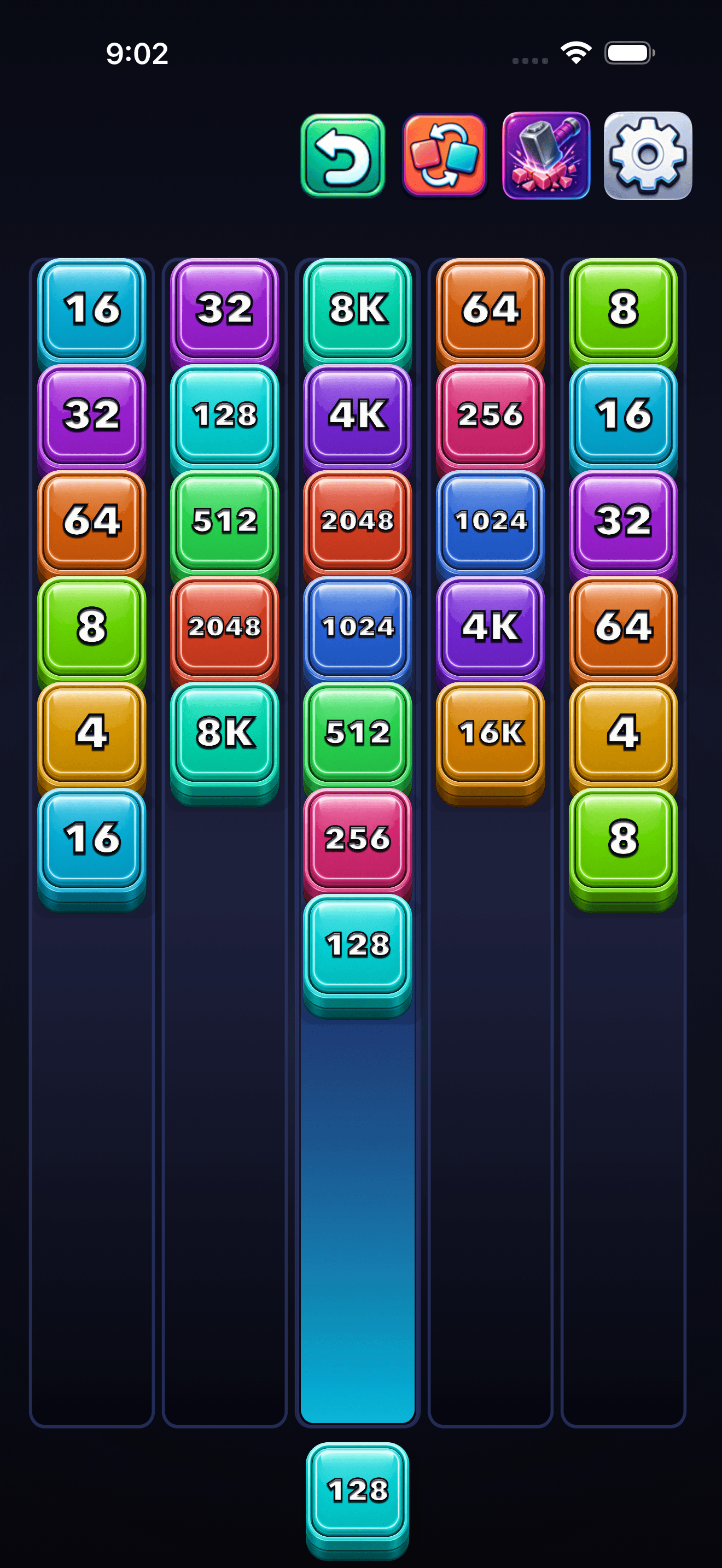
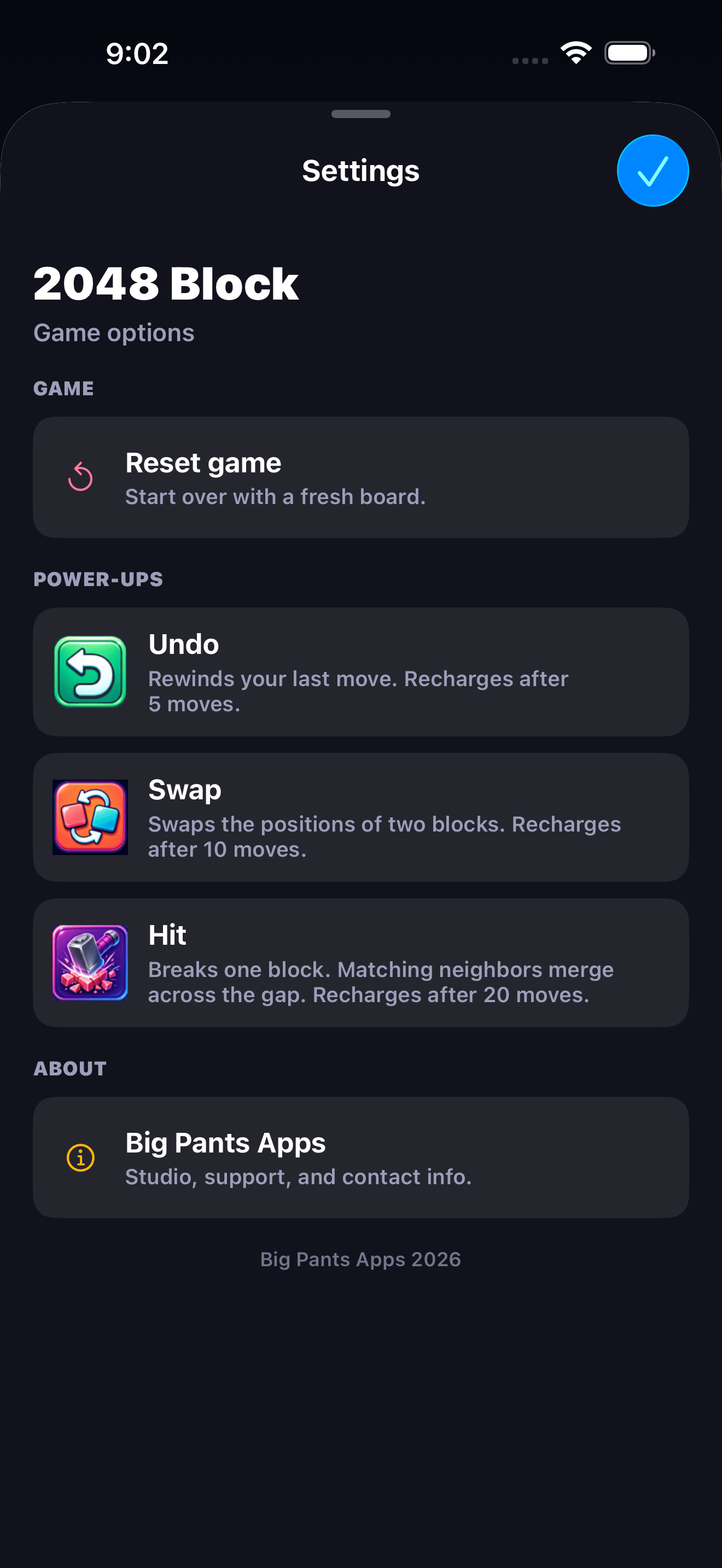
These screens show the main flow: aim a block, build chains, survive crowded lanes, and use settings when you need a reset or support link.
Power-ups
What each power-up does
Power-ups recharge by playing successful moves. They do not use virtual currency, subscriptions, or in-app purchases.
Available after 5 launched blocks. Restores a previous board decision when an undo snapshot exists.
Available after 10 launched blocks. Exchange two existing blocks, then let any new matches resolve.
Available after 20 launched blocks. Break one selected block and create a tactical gap for possible merges.
Use Settings to clear the current board and start from a fresh valid opening state.
Troubleshooting
Things to try first
The selected lane may be full or the board may still be resolving an animation. Choose another open lane or wait until movement completes.
Only orthogonal contact counts: above, below, left, or right. Diagonal blocks do not merge.
Undo recharges after 5 moves, Swap after 10, and Hit after 20. The icon fill shows recharge progress.
Progress is stored locally on device. If the app was deleted or device storage was cleared, the saved board may not be recoverable.
Contact
Still need help?
Email support@bigpantsapps.com and include your device model, iOS version, app version if available, and a short description of what happened.
2048 Block is a private local game. It does not include ads, analytics, tracking, accounts, subscriptions, in-app purchases, or gameplay servers.
For privacy details, read the 2048 Block Privacy Policy.