Use built-in Chances like Roll Two Dice, Flip a Coin, Pick a Number Between 1 and 10, Chore Teams, Takeout Types, Weekend Activities, and Movie Wheel.
Chance Kit SupportHelp, basics, and contact information
Help for quick random picks.
Chance Kit is built for reusable randomizers: coins, dice, numbers, pickers, shuffles, teams, and wheels. This page covers the basics and how to reach us.
Quick guide
Using Chance Kit
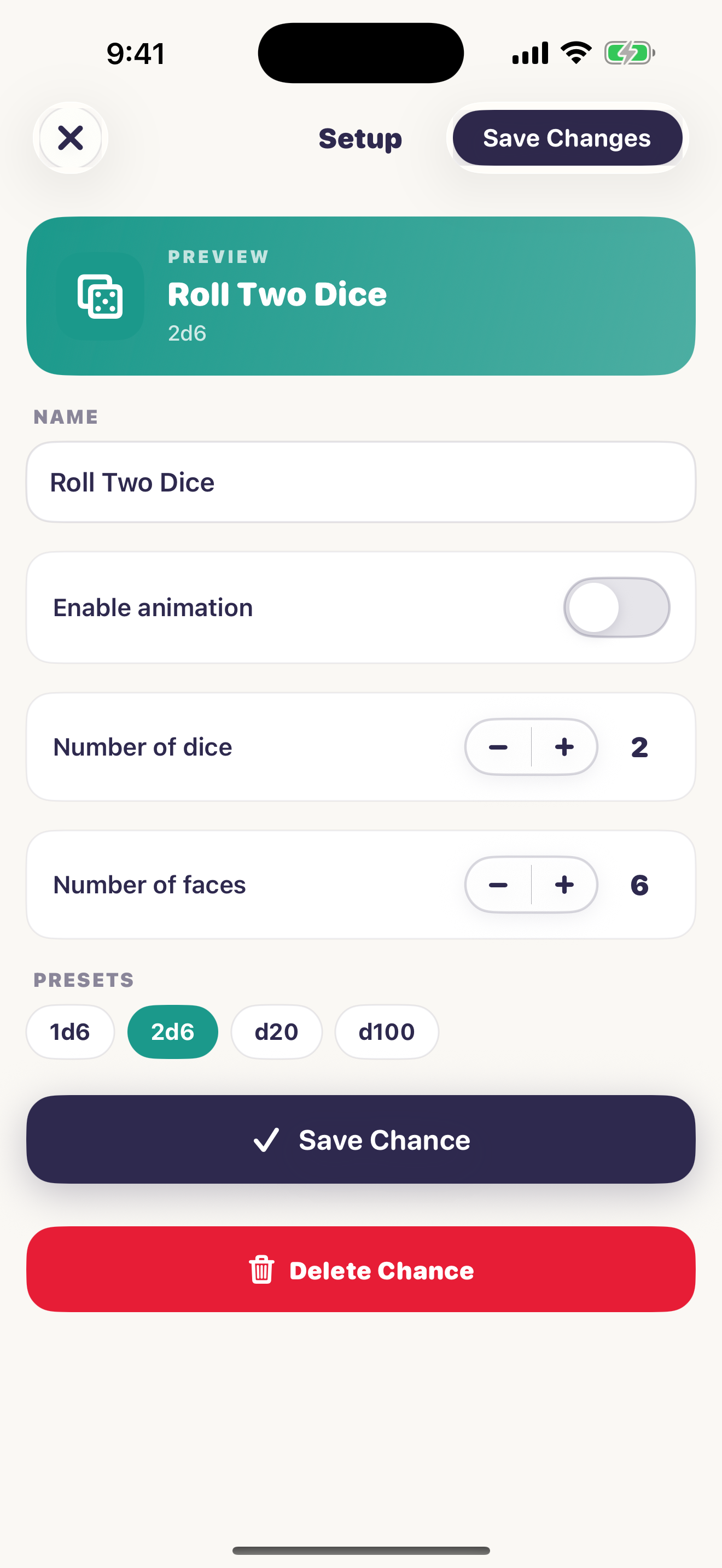
Choose Coin, Dice, Number, Picker, Shuffle, Teams, or Wheel. Configure the range, dice, list, teams, or wheel entries, then save it for reuse.
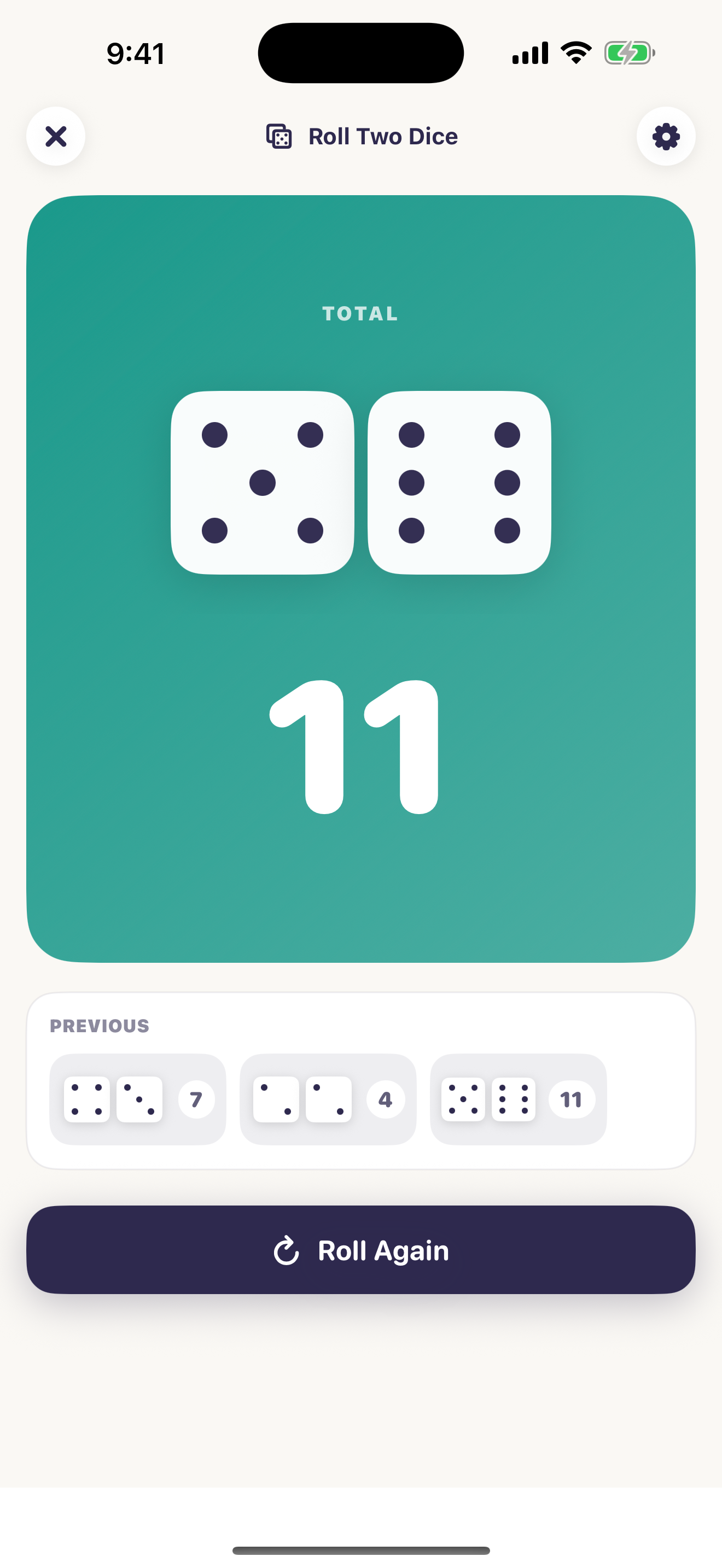
Tap a saved Chance to open its result panel. Tap the panel or action button to toss, roll, pick, shuffle, make teams, or spin again.
For Numbers and Pickers, enable remove repeats when you want to draw through a pool before starting fresh again.
Starter datasets can fill dinner, movies, chores, weekend, classroom, and workout lists. You can also make your own reusable datasets in Settings.
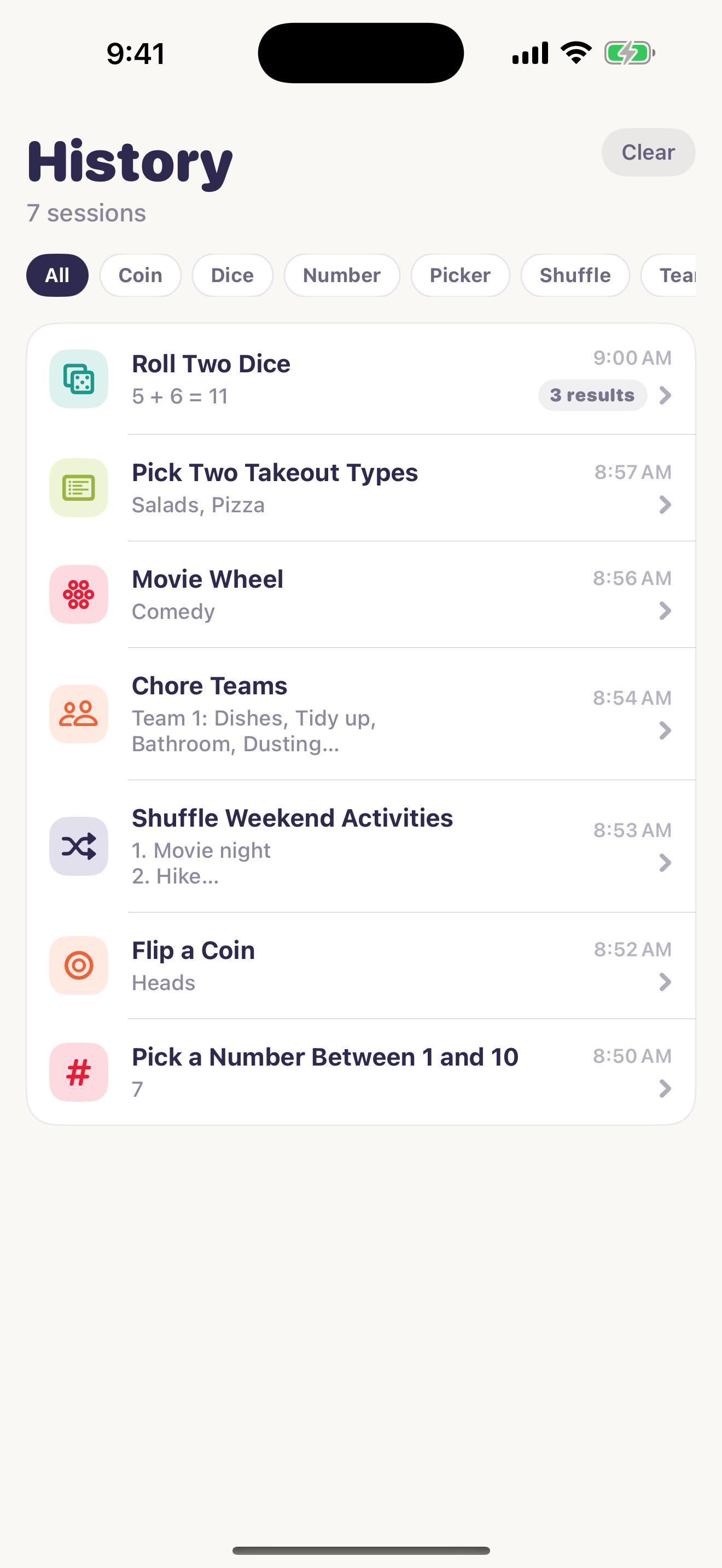
Previous shows results from the open session. History stores past sessions locally when Save history is enabled.
Chance types
What each tool is for
Pick the Chance type that matches the decision instead of forcing everything into one picker.
Coin
Use for heads-or-tails decisions, multiple coin outcomes, tie-breakers, and quick binary choices.
Dice
Use for board games, tabletop play, probability experiments, or rolling many dice at once.
Number
Use for raffles, bingo-style draws, pages, seats, chores, exercises, or order numbers.
Picker
Use for winners, names, meal choices, prompts, movie genres, or any list where one or more choices should win.
Shuffle and Teams
Use Shuffle for random order and Teams for splitting people, chores, tasks, or classroom roles into groups.
Wheel
Use when a choice should be visual and fun. For more than 24 entries, use Picker instead.
Visual guide
Setup, run, and remember
These screens show the core flow: run a chance, configure a chance, and review history.
Troubleshooting
Things to try first
Open the Chance and confirm its category, range, dice sides, number count, list entries, team count, or wheel values.
Edit the Chance and check the saved entries. Applying a dataset copies its current values into that Chance, so later dataset edits do not rewrite old Chances automatically.
Check whether remove repeats is enabled for that Chance. No-repeat pools reset after everything has been picked during the active session.
Wheel is best for visual choices with up to 24 entries. Use Picker for longer lists.
History is local-only. Chance Kit does not use accounts, cloud sync, or backend services.
Deleted Chances leave the home screen. Existing history remains so past results can still make sense later.
Contact
Still need help?
Email info@bigpantsapps.com and include your device model, iOS version, app version if available, the chance type you were using, and a short description of what happened.
For privacy details, read the Chance Kit privacy policy.